-
After connecting to the Wi-Fi network, run the command line (Start -> Run... -> Open: cmd) or keyboard shortcut Win+R
-
Enter "net use \\samba\prn_tisk" (Pic. 11: Connecting the network printer)
-
Enter your customer username and password (Pic. 12: User auth)
-
You'll be informed by successful addition of printer (Pic. 13: Command execution)
-
Printer shown in device list (Pic. 14: Printer device list)
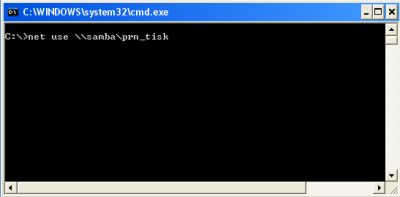
Pic. 11: Connecting the network printer
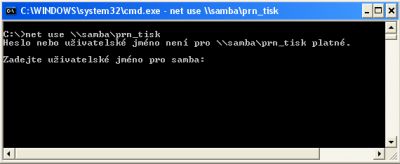
Pic. 12: User auth

Pic. 13: Command execution
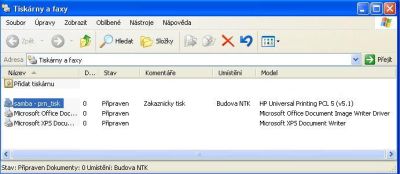
Pic. 14: Printer device list
