Návod pro nastavení síťové tiskárny v systému Mac OS X 10.6
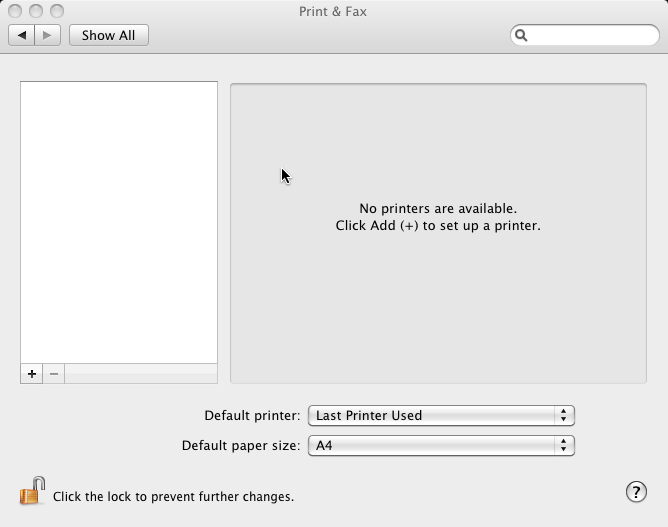
Pic. 1: Viewed Printers and Faxes
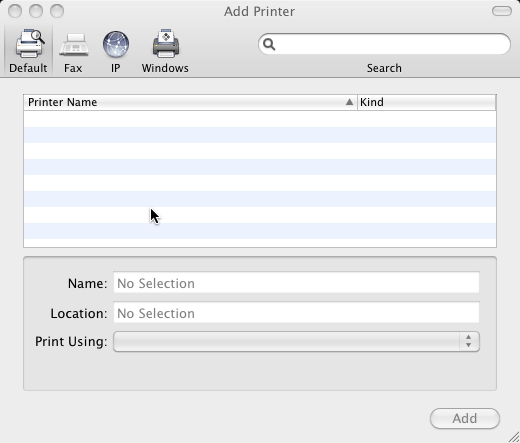
Pic. 2: Press (+) to open a dialog to add a new printer
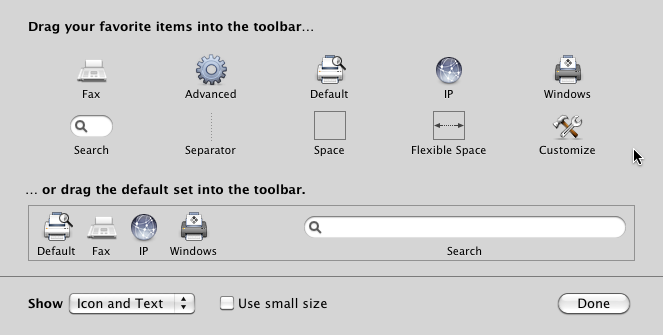
Pic. 3: The upper panel is required to add a button "Advanced" if not already added
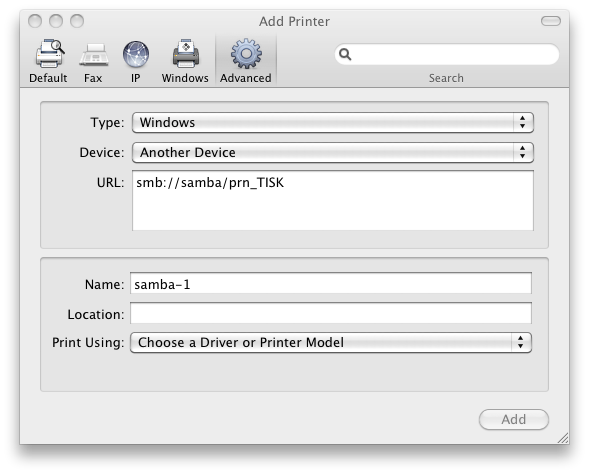
Pic. 4: By pressing this button is activated a dialog where could be define the details to add a network printer
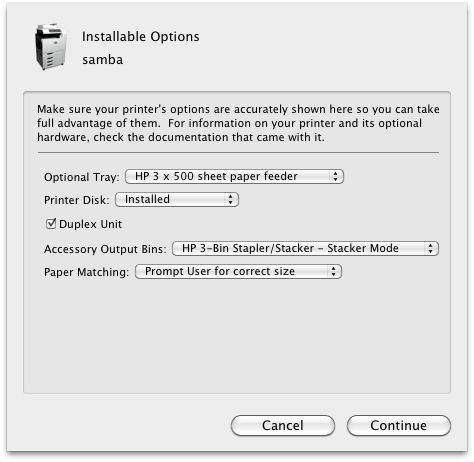
Pic. 5: The default setting do not change and continue by pressing "Continue"
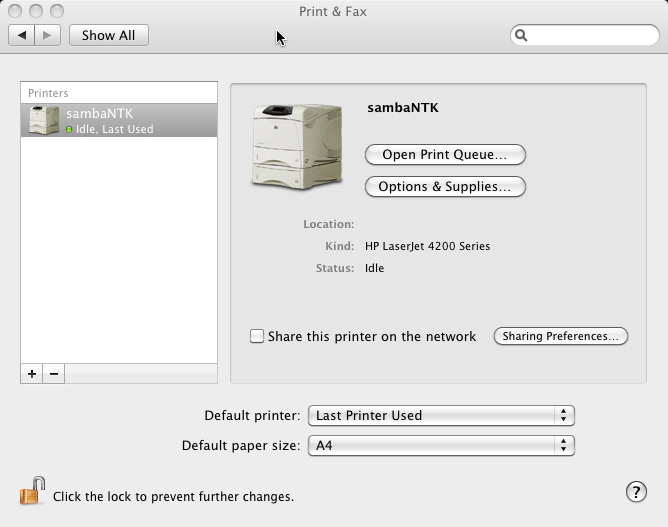
Pic. 6: At the end of the process is summary information about the currently added printer
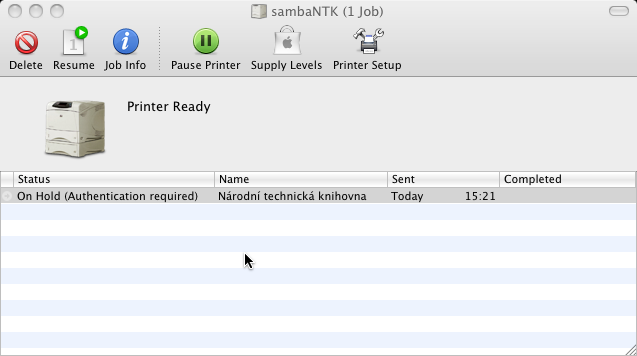
Pic. 7: If you'll send a print job to print queue, you'll see it in the list and press "Resume" from the top bar to release it to print
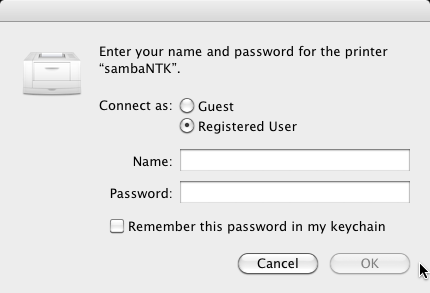
Pic. 8: To print is required customer authentication. The data are consistent with the data to log into the portal www.techlib.cz or wireless network
